
What is RenWeb?
RenWeb is a lightweight framework for building native desktop applications using HTML, CSS, and JavaScript. The engine itself is written in C++ but is interacted with through the JS API. RenWeb is similar to Electron and Tauri but with a focus on native performance, simplicity, and desktop applications rather than web-deployed apps.
I made this engine because I didn't like the current options — most frameworks like these are bloated, overcomplicated, and unintuitive. So I built my own, designed around what felt most natural to me.
Under the hood, the engine uses the native webview available on each platform — WebKitGTK on Linux, WKWebView on macOS, and WebView2 on Windows — keeping the binary small and avoiding any bundled browser runtime.
You don't need to know any C++ to use it. Just grab the JS API, write your frontend in HTML, CSS, and JavaScript, and you're up and running. If you ever want to go deeper, the plugin system is straightforward enough that even a C++ beginner can pick it up.
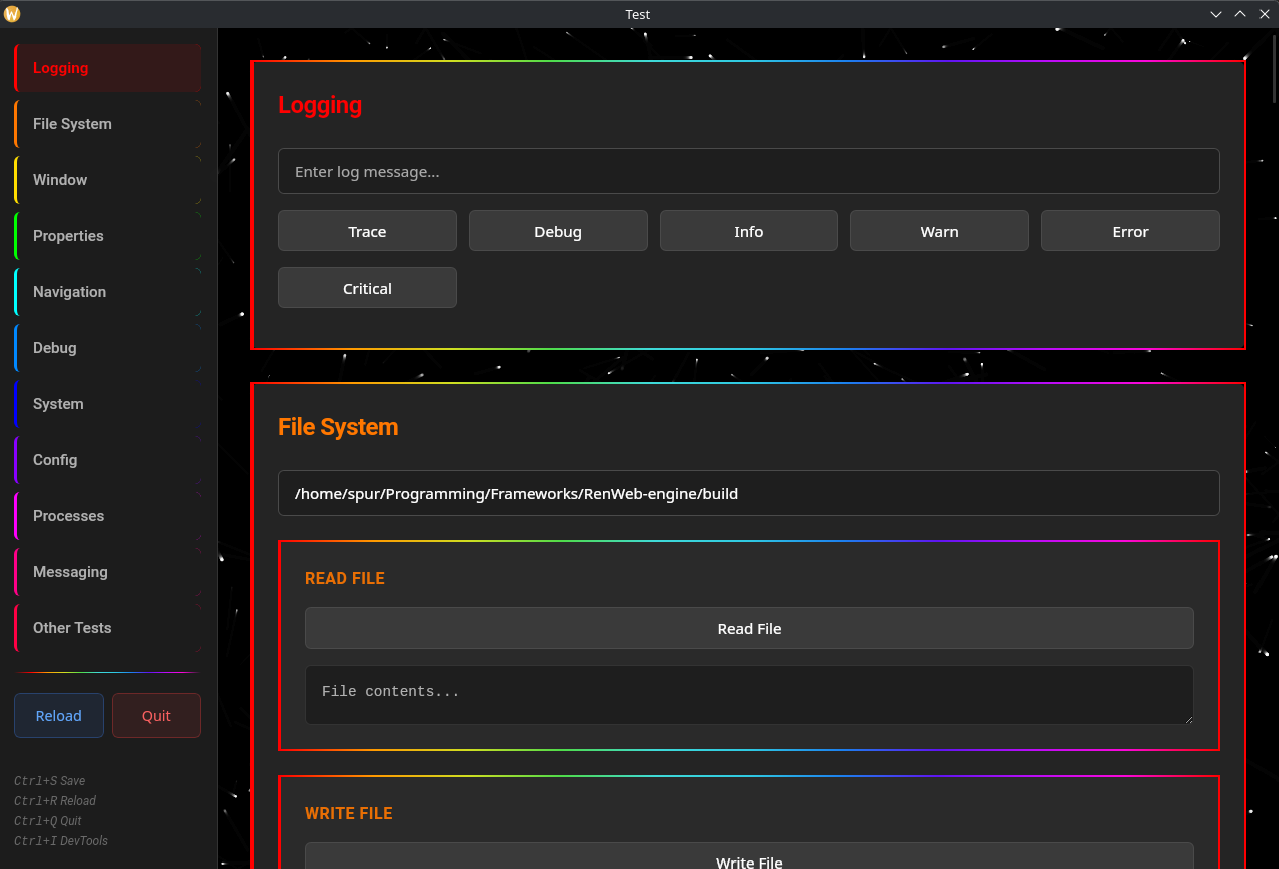
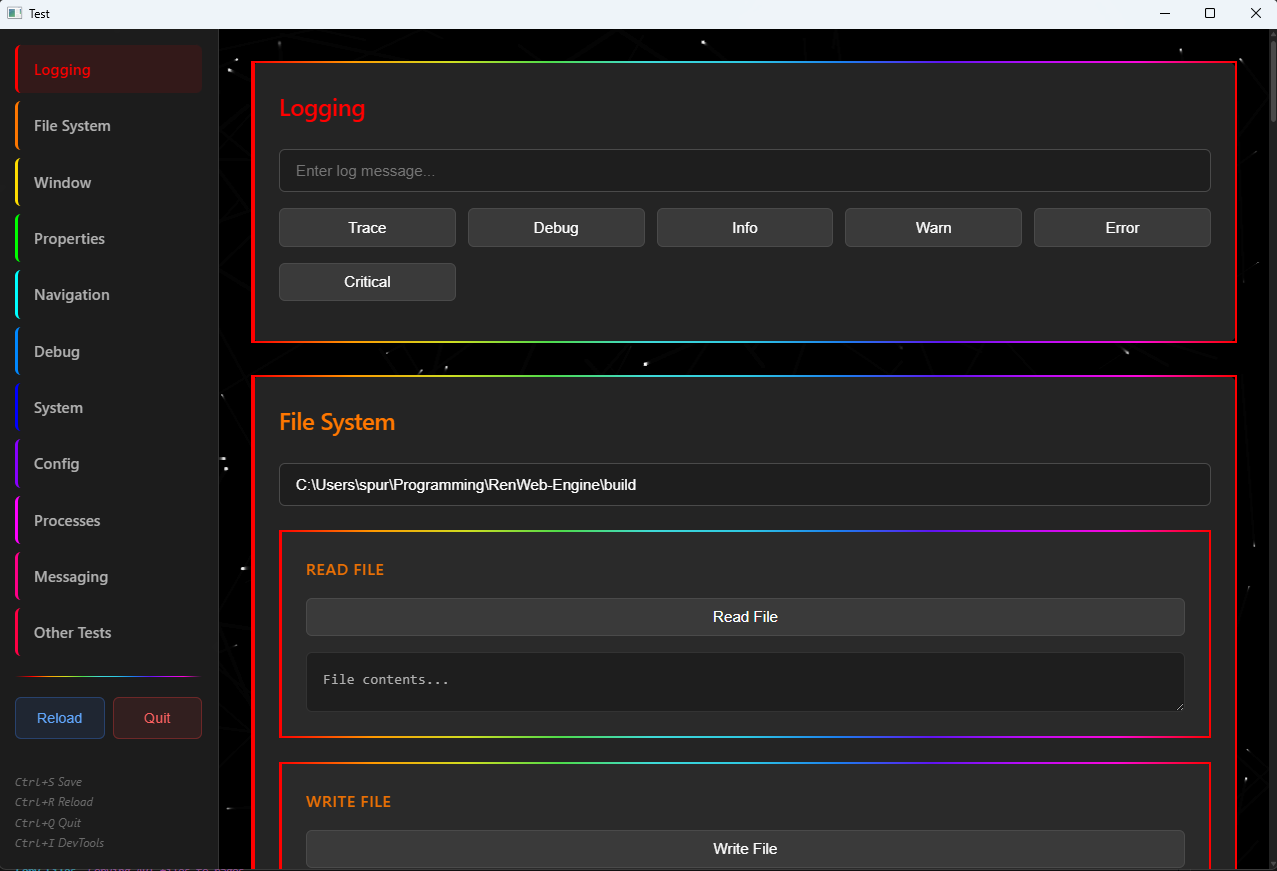
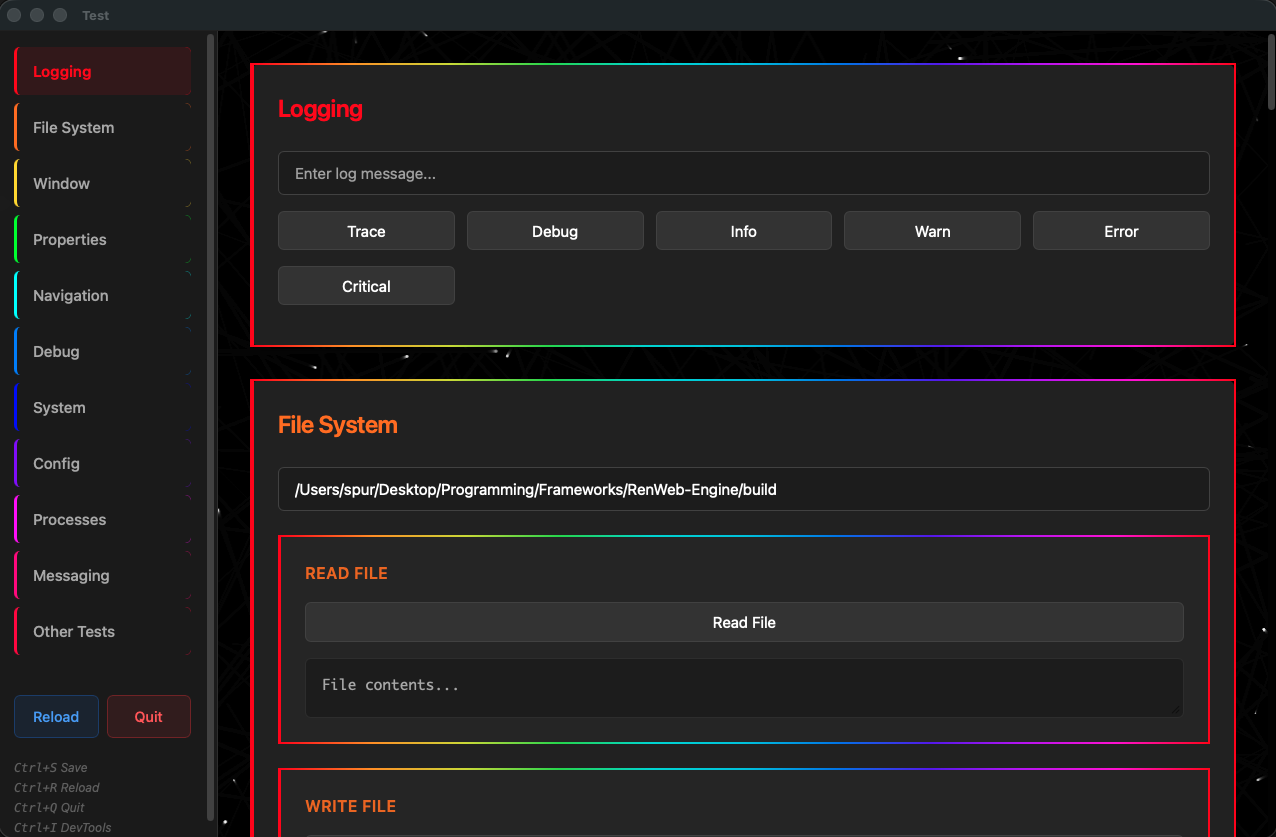
RenWeb applications running natively across Linux, Windows, and macOS
Getting Started
1. Install Dependencies
Click here and install the necessary webview runtime dependencies for your OS (if there are any).
2. Download the Example
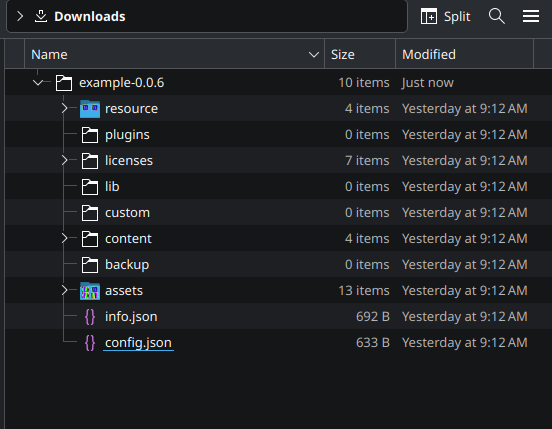
Download and decompress the example archive from here. When decompressed, it should look something like the image below.
3. Download the Engine
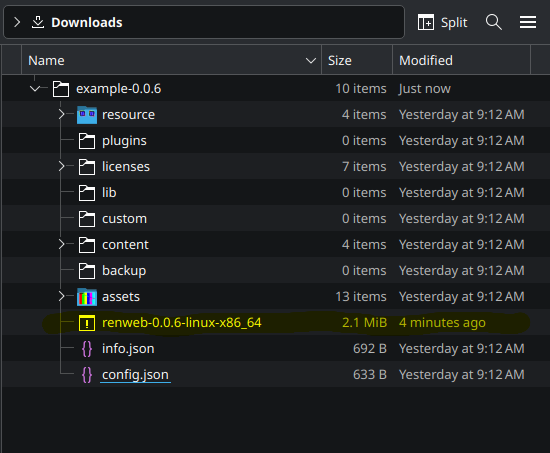
Download the RenWeb Engine executable for your OS and CPU architecture from here and follow the instructions to give the executable permission to execute. Once downloaded, drag it into the decompressed example archive. The final file structure should look like the image below.
4. Run the Example!
Double click or run the executable via the command line and test out what the engine can do!
How It Works
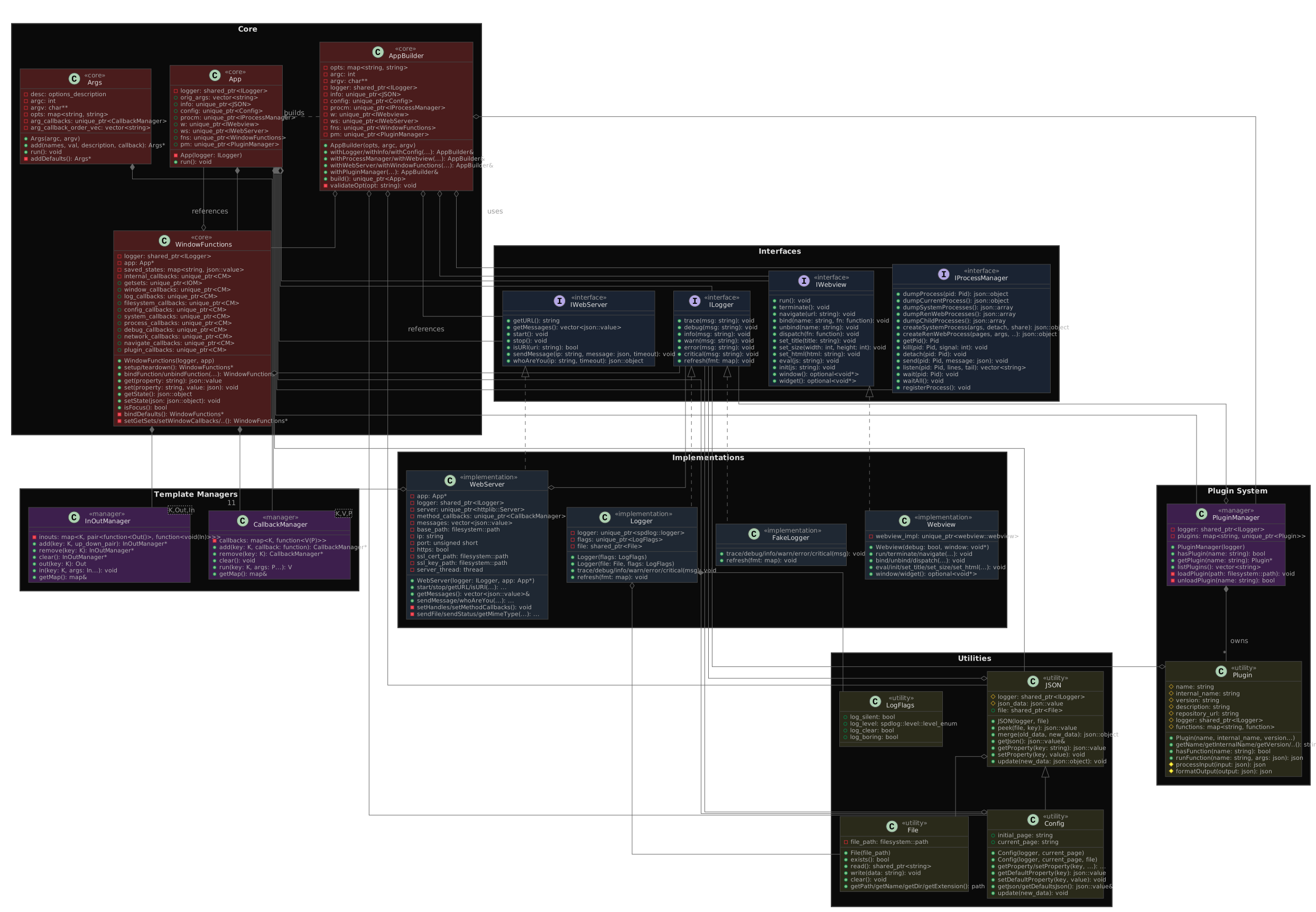
Your web frontend communicates with the C++ backend through an embedded HTTP server. The backend handles system operations, file I/O, process management, and desktop integration while your UI stays responsive and modern.
Contact
If you'd like to get in contact with me, report a bug, or join the community surrounding this project, here are some ways to do so:
Feel free to reach out about anything or just send me an email saying hi at spur27@pm.me.
Discord
This doesn't exist yet but will hopefully be made soon!